


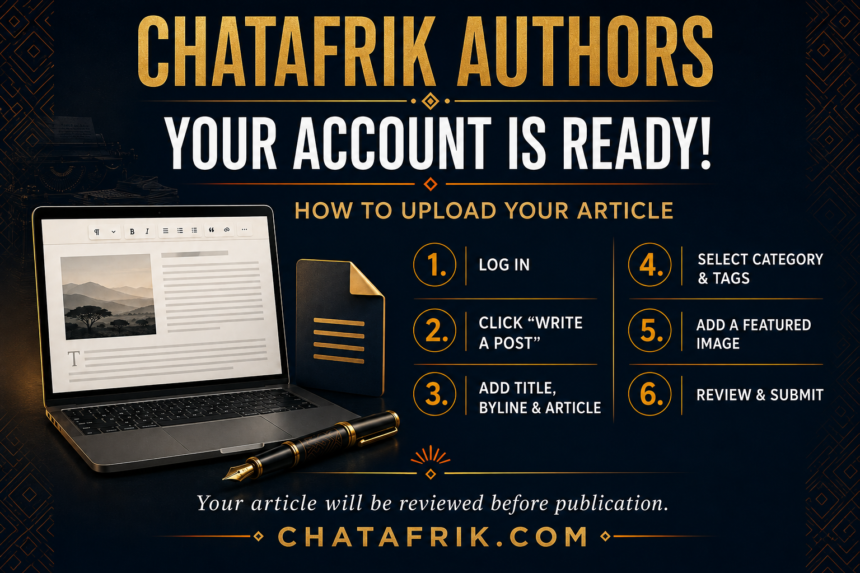
Your Chatafrik Author Account Is Ready!
An Author Account has been created for you. Please sign in using your assigned username and password.
How to Upload Your Article
- Log in to your account at Chatafrik.com.
- Click “Write a Post” on the navigation bar.
- In the “Post Title” field, enter the full title of your article.
- Leave the “Post Excerpt” box blank.
- In the “Post Content” section:
- Add your byline at the top using your full name.
- Copy and paste the complete text of your article below the byline.
- Under “Categories,” select the category that best matches your article.
- Under “Tags,” enter one or two relevant keywords.
- Under “Featured Image” at the top of the page:
- Click “Choose File.”
- Select a relevant photo previously saved in your image gallery.
- Click “Insert.”
- Carefully review the title, byline, article, category, tags, and featured image.
- When everything is correct, click “Submit for Review.”
Your article will be reviewed by the Chatafrik editorial team before publication.
Thank you, and welcome to the Chatafrik community!